
How to Search Cases by Name
MCRO is the public case-search layer for Houston County District Court records. Begin with an exact name. The portal demands at least two characters before a trailing wildcard. The Sounds Like option cannot be combined with one. When a likely case stays hidden, try a middle name or initial on its own. For common names, cut the noise with the available date or category filters.
- Open MCRO, accept its terms, and choose the Name tab rather than using the browser Back button during navigation.
- Enter the last name first, then add first and middle names as available. Use exact spelling before trying a permitted trailing wildcard or Sounds Like.
- Select Houston County under the specific county location controls when venue is known. Leave the search statewide when the county is uncertain.
- Apply available date, category, or status filters with care, then open a matching case to review its Register of Actions rather than relying on a name match alone.
The official MCRO Case Search interface presents four routes: Name, Case Number, Citation Number, and Attorney.
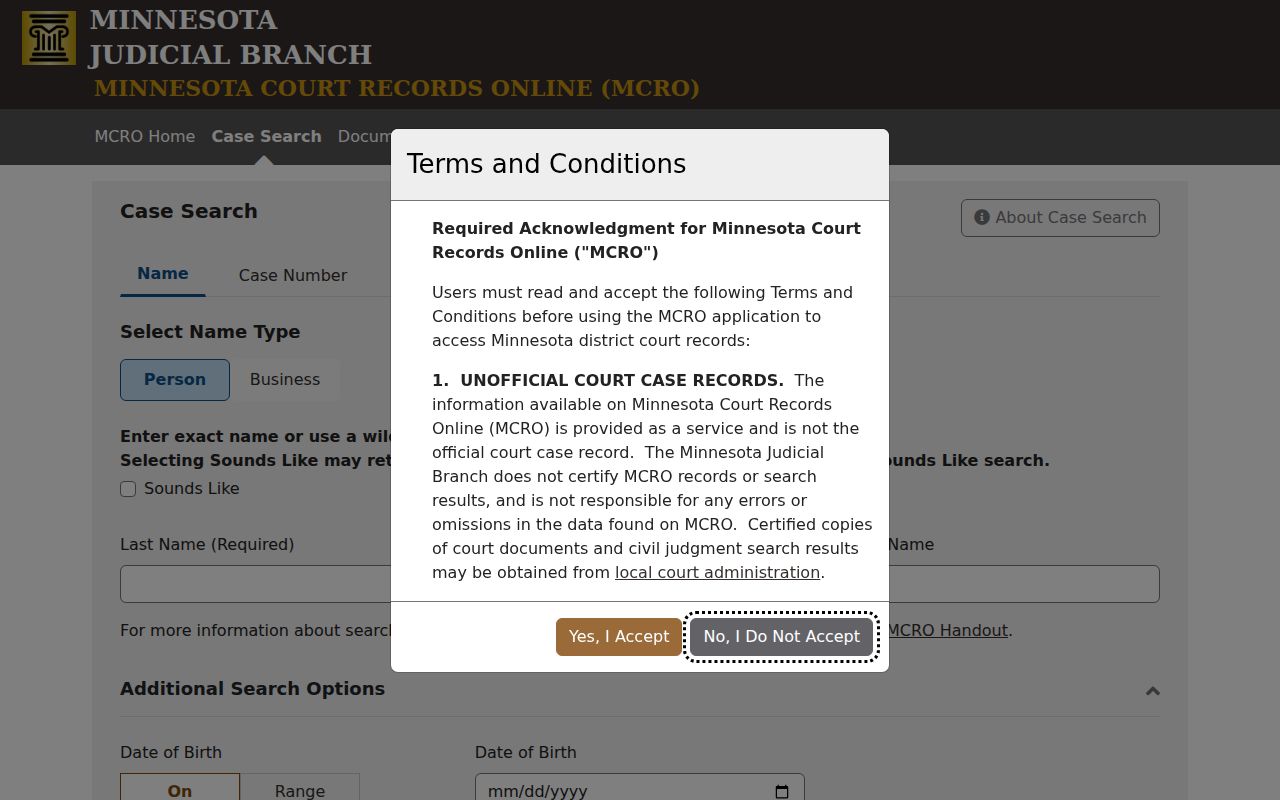
Each Houston County case lookup method sits in its own tab, so a search runs on the strongest identifier available.
| Field label | Type | Required | Options or format notes |
|---|---|---|---|
| Name tab | Tab/button | No | Name-search mode |
| Case Number tab | Tab/button | No | Case-number-search mode |
| Citation Number tab | Tab/button | No | Citation-number-search mode |
| Attorney tab | Tab/button | No | Attorney-name or bar-number mode |
| Select Name Type | Dropdown | Unspecified | Options were not exposed on the inspected blank form |
| Sounds Like | Checkbox/input | Optional | Broadens sound-alike results; wildcards are prohibited with it |
| Last Name | Text | Unspecified | Exact name or trailing * after two characters |
| First Name | Text | Optional/unspecified | Try with and without a middle name or initial |
| Middle Name | Text | Optional/unspecified | Test likely spellings or initials |
| Date of Birth | Date control | Optional | Exact Date or Date Range; From field shows MM/DD/YYYY |
| Date Filed | Date control | Optional | Exact Date or Date Range; From field shows MM/DD/YYYY |
| Civil | Checkbox | Optional | Case category |
| Criminal | Checkbox | Optional | Case category |
| Family | Checkbox | Optional | Case category |
| Probate or Mental Health | Checkbox | Optional | Combined case-category label |
| Case Status | Dropdown | Unspecified | Options were not exposed on the inspected blank form |
| Statewide Court Locations | Radio | Optional/default | Searches statewide |
| Select Specific County Court Locations | Radio | Optional | Activates county controls |
| Search by County | Text/filter | Optional | County-list search |
| Clear search by county search field | Button/control | No | Clears the county filter |
| Execute search by county | Button/control | No | Applies the county text filter |
| County letter groups | Buttons | No | A, B, C, D, F, G, H, I, J, K, L, M, N, O, P, R, S, T, W, and Y; Houston appears under H |
| Find | Button | No | Runs the search |
| Clear | Button | No | Clears the form |
Houston County MCRO Search Modes
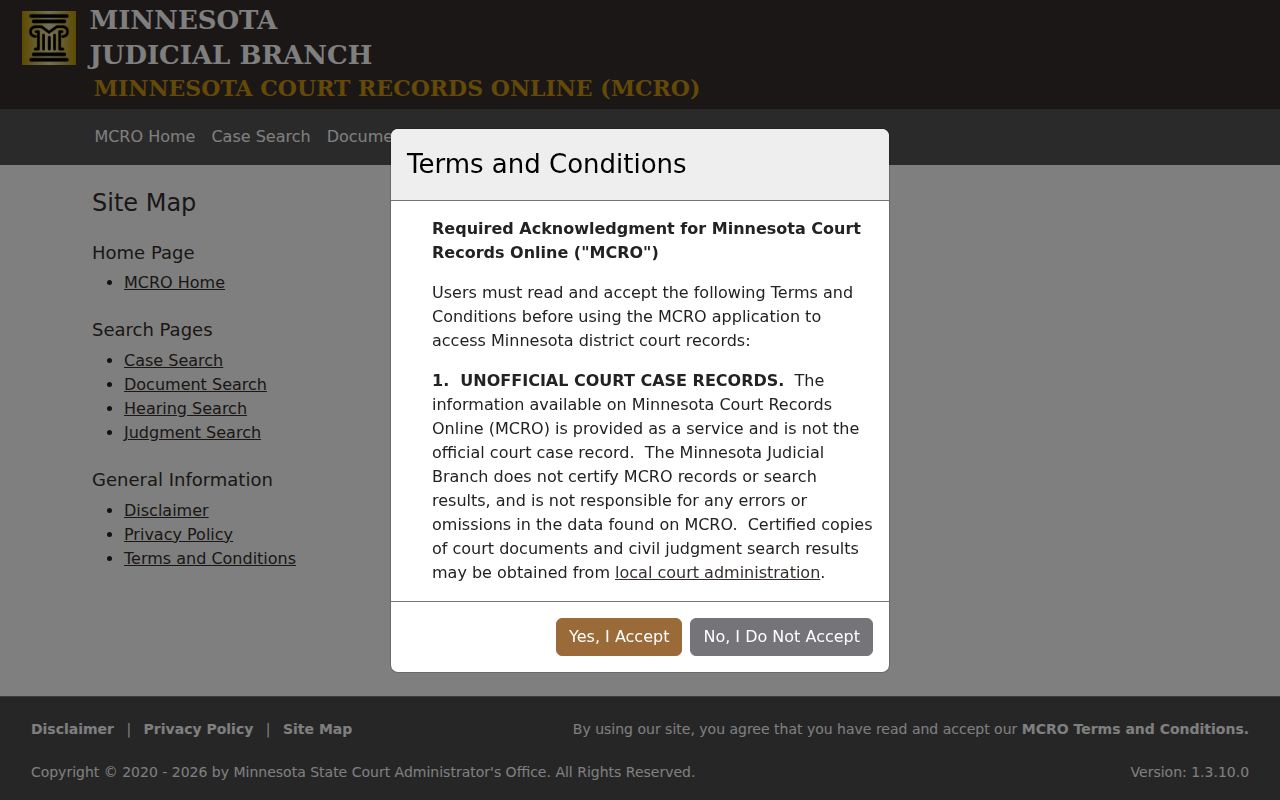
A name is only one way in. The Name tab suits reliable party details. Case Number goes straight to the court-assigned identifier. Citation Number fits traffic and ordinance matters where the ticket number is what you hold, and Attorney takes a name or bar number. Pick the tab matching the record in hand. Forcing a citation into a case-number field just wastes the trip. The MCRO public-access landing page is the doorway to all of these Judicial Branch search tools.
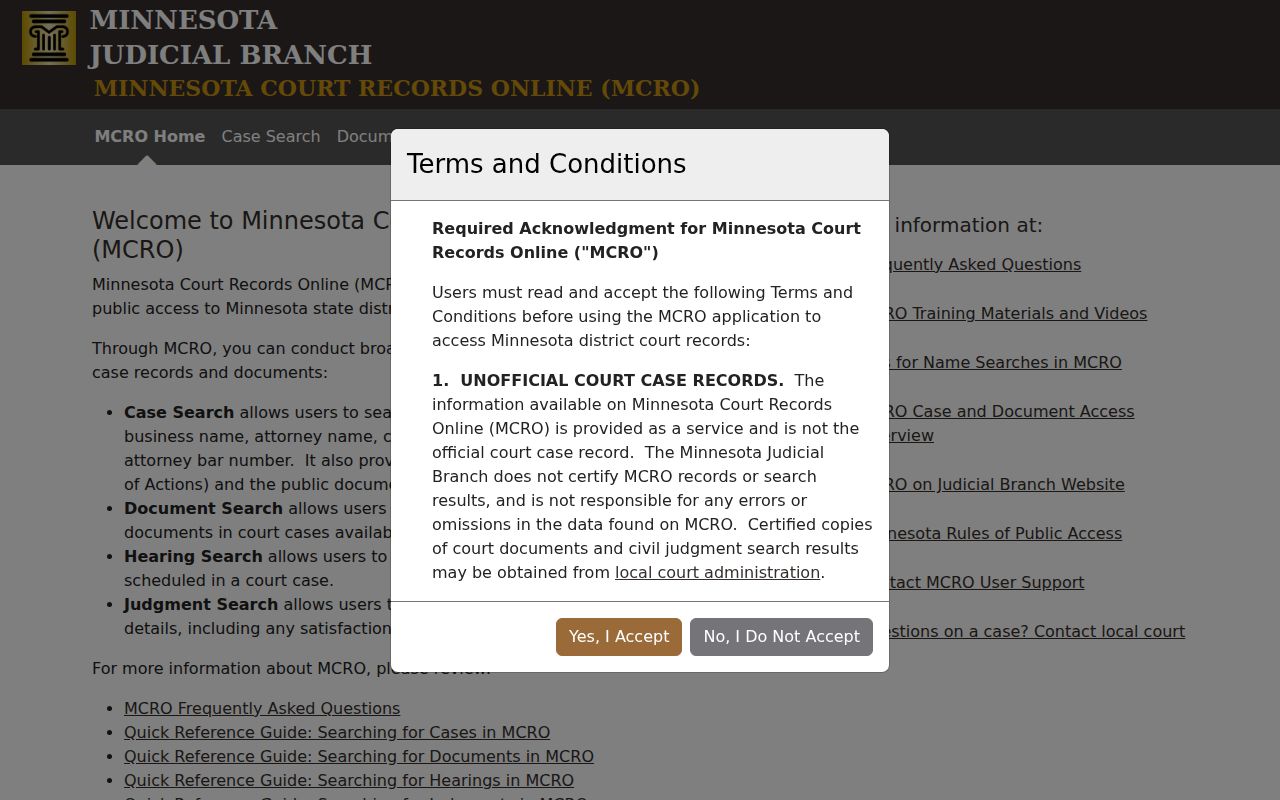
From there, a Houston County case search can surface case details, hearings, documents, or judgment information. What appears depends on the tool. A name match is not identity proof. Two people can share one name. A name-based electronic search stays limited for a pending criminal matter with no conviction. The case details and the public access rules decide what is truly on view.
How to Search by Case Number
Use the Case Number tab whenever the court-assigned number appears on a notice, a calendar entry, a court document, or an earlier MCRO result. Type it exactly as printed. MCRO's form follows the court's own numbering. Never guess a prefix, year code, or sequence. A correct court-issued case number beats a broad name search for precision. It can reveal public information a restricted pending-criminal name search hides. Keep Case Number and Citation Number straight. A traffic ticket often carries one identifier before the court opens a file. The court file then gets another. The ticket number belongs in Citation Number; the court's number belongs in Case Number. For public documents on a known case, Document Search offers an Enter Case Number field. It also offers a Find Documents control.
Houston County Case Lookup Channels
MCRO offers four separate public search tools. Case Search returns case details and the Register of Actions. Hearing Search finds scheduled events. Filter by name, case number, judicial officer, attorney, date, category, and county. Document Search works from a case number. It locates public documents. Judgment Search, finally, tracks docketed money judgments through debtor-name, docketed-date, status, and location controls.
| Search tool | Use it for | Do not confuse it with |
|---|---|---|
| Case Search | Case details and the available Register of Actions | A certified court record |
| Hearing Search | A scheduled hearing and its available details | The Houston County daily calendar's current local confirmation |
| Document Search | Public documents tied to a known case number | Every filed document in every case |
| Judgment Search | Docketed money judgments and satisfaction details | A general case or citation lookup |
The MCRO access overview lays out each tool's function and the category and date limits that apply to documents.
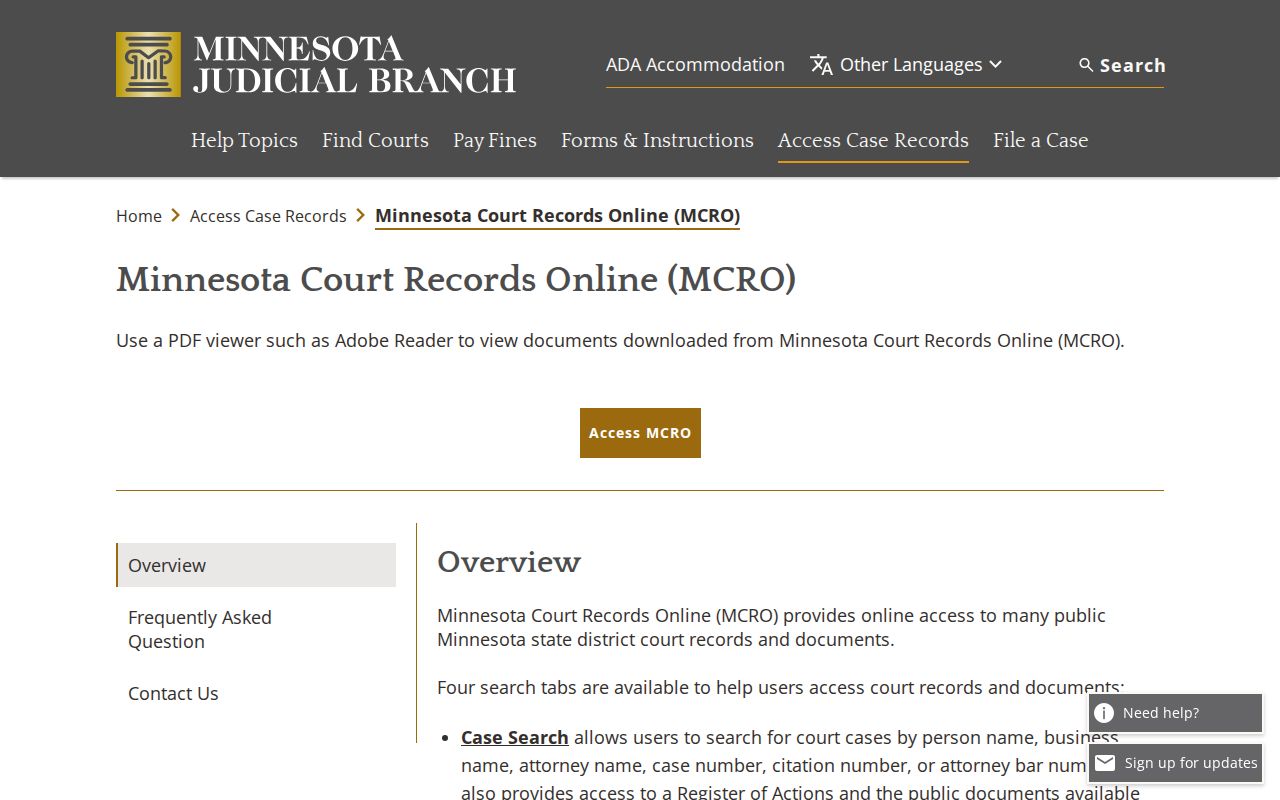
The right MCRO tool keeps a Houston County case lookup aimed at the record or hearing you actually want. The wrong one buries it.
What a Case Search Shows
Where public access allows, a Houston County case file can display a case number, filing date, county, judicial officer, category, caption, and status. It may also show public parties and their roles, dated events, settings, available documents, and judgment or appeal references. One caution: a status is not always the outcome. Read the dated disposition, order, judgment, or satisfaction entry before concluding anything. The Minnesota Judicial Branch records-access overview explains the online, courthouse-terminal, and local-file routes. All three reach the same records.
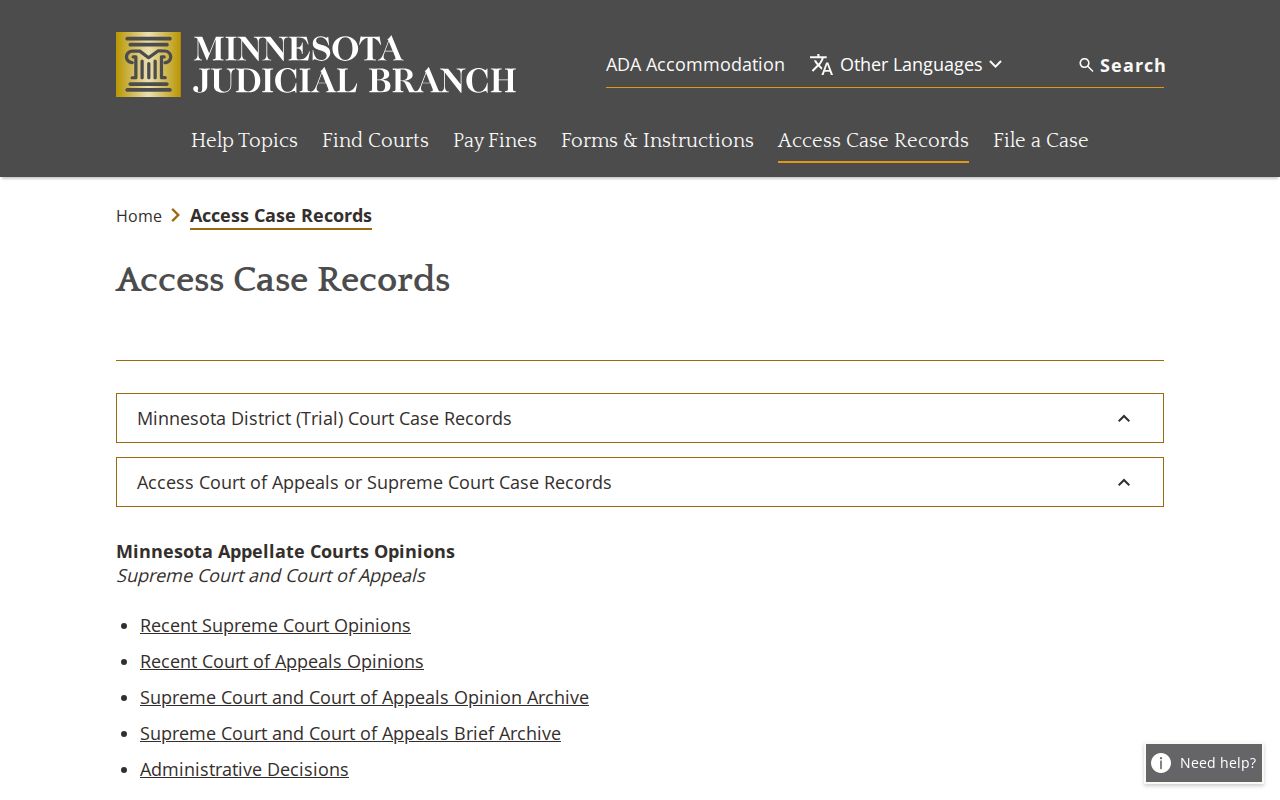
That layered access structure means an online Houston County case result can be genuinely useful yet still fall short of the entire local record. The courthouse holds the rest.
| Case Number | The court identifier used for case and document searches. |
|---|---|
| Caption and Parties | Public case title and the parties or roles permitted for that case type. |
| Category | MCRO groups include Civil, Criminal, Family, and Probate or Mental Health. |
| Filed Date | The date the case began, distinct from later hearing dates. |
| Status and Events | Current procedural status plus the dated Register of Actions history. |
| Documents and Outcome | Public documents may be available by case type and date; judgments, orders, disposition, or satisfaction can be separate entries. |
Houston County H County Selector
To narrow a Houston County case search, select Specific County Court Locations. Open the Search by County control. Pick Houston from the H letter group. The county selector is the dependable local filter. There is no court-code list to memorize. If the filing county is unknown, switch back to Statewide Court Locations. The MCRO scope page spells out the remote-access limits and how public terminals compare.
When the remote case-search tier shows no result or no document, the Houston County courthouse terminal is the stronger public fallback. Its reach runs deeper than remote access.
Houston County vs Statewide Case Search
MCRO is a statewide system, not a portal Houston County built itself. The only real choice is location, made inside the same search tool. Go statewide when the case might be filed anywhere in Minnesota. Choose the Houston County selection when the venue is known, because a smaller result set makes the docket far easier to scan.
| MCRO statewide location | MCRO Houston County location |
|---|---|
| Searches records across Minnesota court locations covered by the public system | Limits the query to Houston County court locations |
| Useful when venue is unknown or a case may have moved | Useful when the local court filing is known |
| May return more name matches to sort | Can reduce a common-name result set |
| Uses the same remote-access limits | Uses the same remote-access limits |
Houston County Case Lookup Costs
MCRO costs nothing to search. The case records and public documents you pull up are free to view. Just know the tradeoff: those results are unofficial and not certified. Houston County's fee catalog fills the gap. An uncertified MNCIS print, scan, photo, or screen print is listed at $0. Certification costs $14 for each listed unit or document. That covers a certified copy of an instrument. It also covers a certified MNCIS image, e-file printout, scan, photo, or screen print. Fees can shift, so confirm the live catalog before you place an order.
What if you need a certified record? That takes the Court Administration copy process, not a saved MCRO result. The county's Houston County court record search guide has the full route. It walks through the records request and copy channels.
Restricted Cases and Access Rules
Minnesota's public-access rules presume court records are open. The remote MCRO view still is not complete for every case or document. Domestic-abuse/OFP and harassment/HRO files have no general remote route or are limited. Certain juvenile delinquency matters face the same limits. So do CHIPS and child-protection cases, and civil-commitment documents. Family and Post-Adjudication Paternity documents face remote limits too. Protected identifiers, along with certain victim, witness, and juror information, are redacted.
A pending criminal matter without a conviction can be restricted from defendant-name electronic searching. A case-number search can still return permitted information in that situation. Expunged, sealed, destroyed, older non-electronic, or mismatched records can also explain a blank result. Don't try to work around a restriction with repeated broad searches. The lawful access path runs through the Houston County courthouse terminal. It also runs through the Court Administration counter, or a Rule 7 oral or written request.
Houston County Case Search Scope
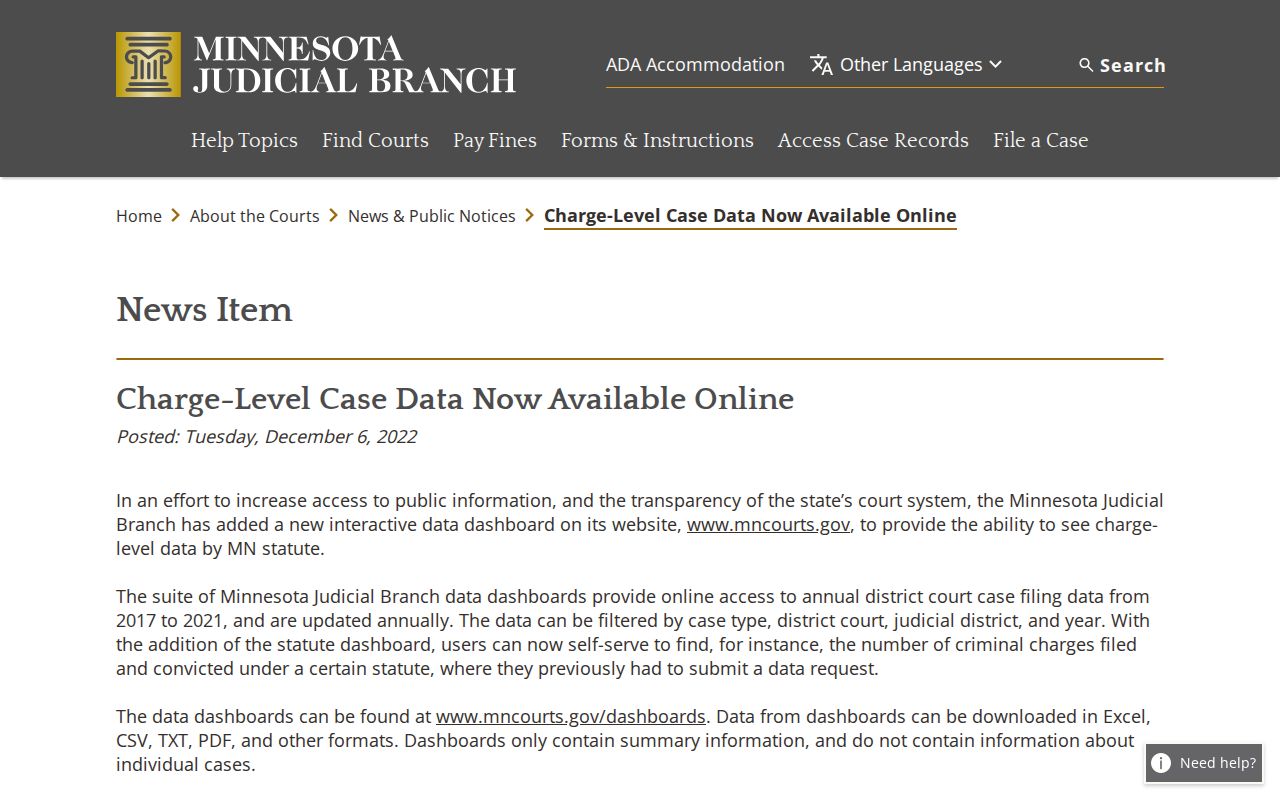
A Houston County case lookup targets one court case, hearing, document, or judgment. It is not a substitute for every court data product. The Judicial Branch also publishes downloadable aggregate charge-level data. Those files are filterable by county, district, year, and related categories. The summary files stay separate from the case-specific Register of Actions. They should never be treated as a search result for an individual case. The Judicial Branch charge-level data announcement describes that aggregate-data option and what it covers.
Keeping aggregate data separate from a Houston County case lookup protects the line between court statistics and an available case record. When a public result is missing or unclear, Court Administration and the courthouse terminal are safer next steps than assuming the case does not exist.