
Houston County Court Calendars Explained
The Houston County District Court releases its public hearing schedule as a Houston County daily calendar PDF. The court also calls it its Weekly Public Court Calendar. Think of it as a snapshot of scheduled courtroom hearings. It is not a searchable Houston County docket database. MCRO case details and Hearing Search offer another way to reach a setting. When the web view falls short, the courthouse still keeps its paper and terminal options.
Viewing, printing, or saving the calendar costs nothing. There is no account, no date-range form, no structured export, and no calendar API. Use your PDF reader's Find command to jump to a case number or a name. Then check the current line rather than trusting a saved copy. A calendar entry helps with planning. The Register of Actions stays the true chronological case record.
Houston County sits in the Third Judicial District. Per Third Judicial District information, that district administers this court calendar.
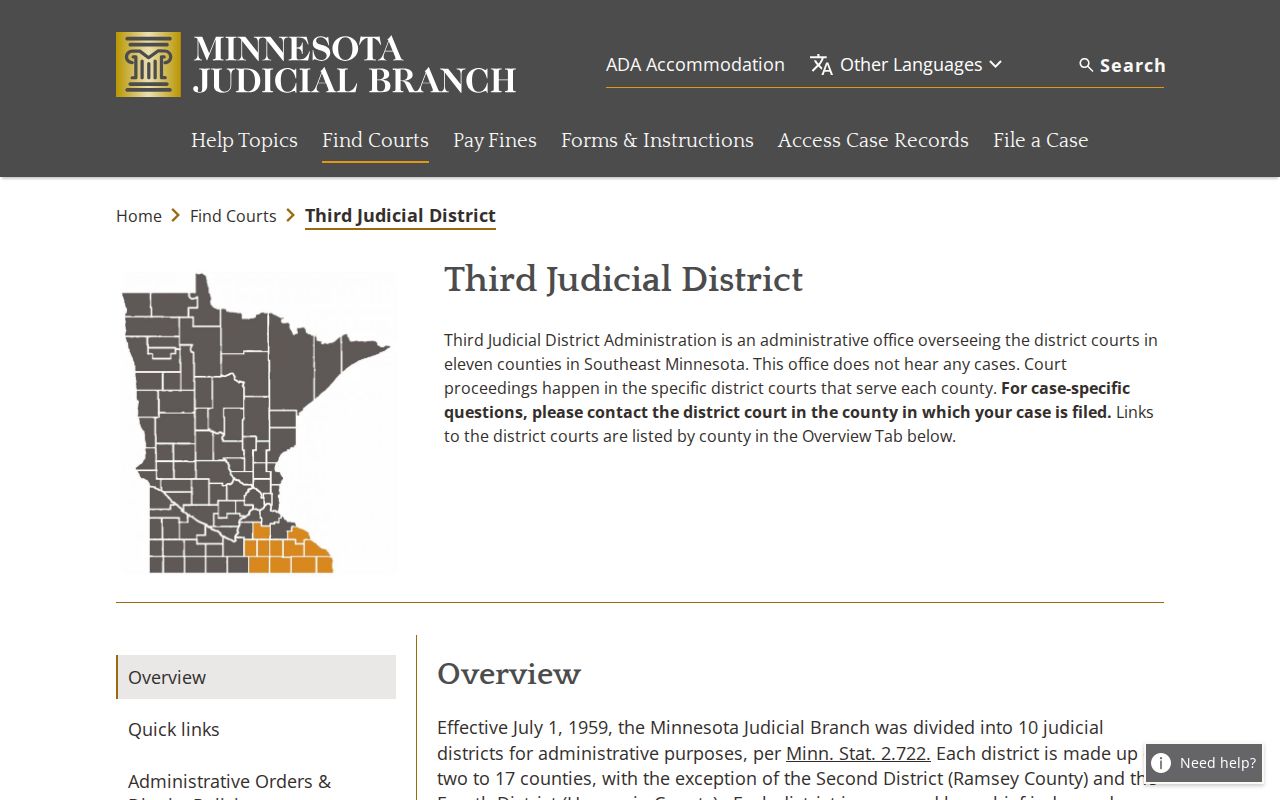
That district link is why a Houston County court date reaches the public through the Minnesota Judicial Branch calendar path.
Houston County Court Calendar Updates
Each business day, Houston County posts the PDF at 7:00 a.m. The court refreshes it hourly. A copy saved the night before can therefore be stale. The court itself warns that cases, judges, and courtrooms can all change. A later file may list a different time, hearing location, judicial officer, or connection type for the same case.
Publication does not promise that every active matter shows up. Confidential and non-remotely accessible cases may be missing. A matter can shift after the PDF refresh. Current Minnesota Judicial Branch rules limit remote access. The underlying court record can remain open for inspection.
The Minnesota court-rules index lists the public-access rules that govern what appears remotely.
Those access rules help explain why Houston County court calendar results can cover less ground than the courthouse record itself.
Note: Weigh the PDF's update timing against the newest case event before treating a Houston County court date as final.
Finding Your Court Date
A case number is the fastest starting point for a Houston County court date. Run the case or hearing through MCRO. Then read the newest scheduled event in the Register of Actions. MCRO also searches by party name, attorney name, or judicial officer. It depends on the mode you choose. On the day of the hearing, the current PDF adds what you actually need. It gives the courtroom or connection details.
- Open MCRO Case Search or Hearing Search and select Houston County when a county-limited search is appropriate.
- Use the case number if known. Otherwise search by the available name, attorney, or judicial-officer information and review the newest future setting.
- Open the current Houston County daily calendar PDF and use Find for the case number or the available role/name. Compare date, time, location, judicial officer, hearing type, and connection type.
- If the online sources conflict or omit the matter, use the Houston County courthouse public-access terminal and the printed calendars outside courtrooms or in public lobbies.
- Call Court Administration at 507-724-7002 about an unclear, reset, confidential, or missing setting. A Rule 7 oral or written request is an additional route for a historical setting or calendar record.
If you want a case-level search instead of a hearing-specific one, the county's Houston County case lookup route works well and helps separate a past event from the next scheduled setting.
The official MCRO Hearing Search lets you filter by name, case number, judicial officer, attorney, hearing date, category, and county.
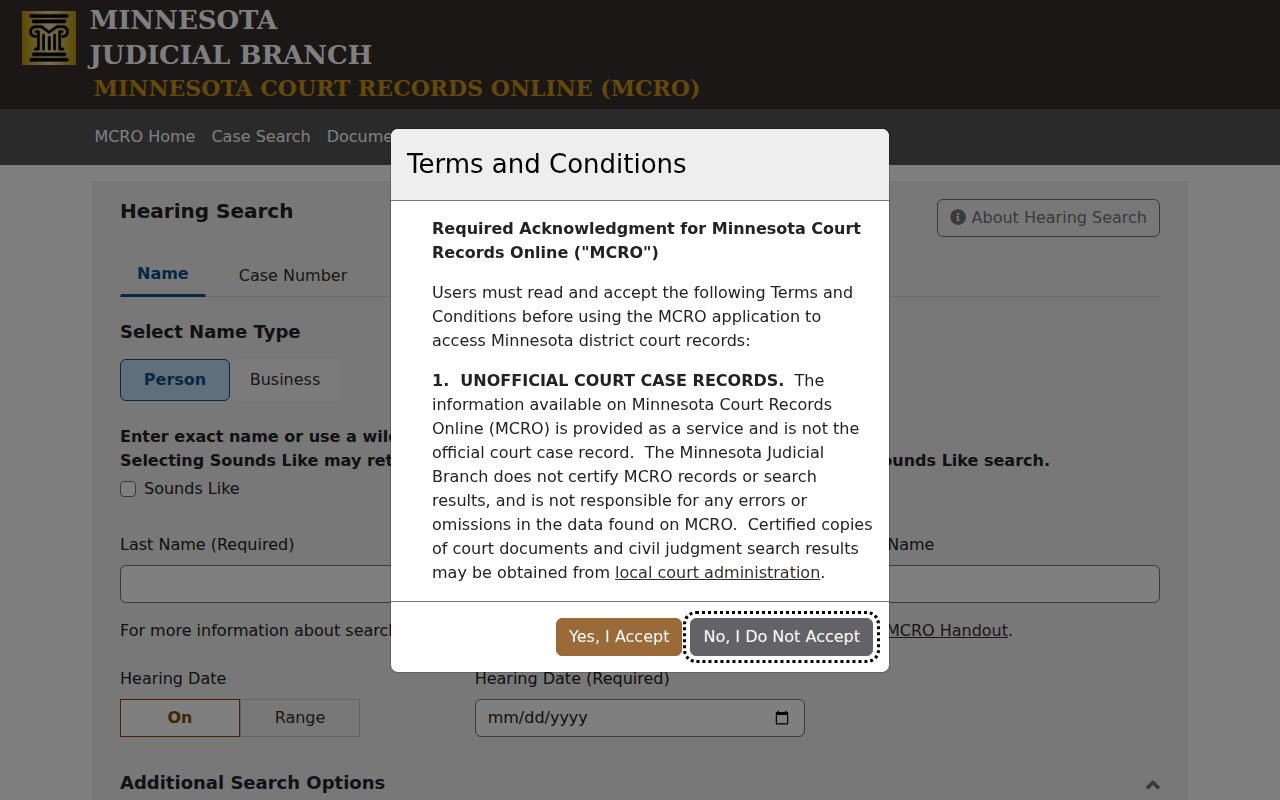
MCRO narrows a Houston County hearing search; the daily PDF gives the court's current published schedule.
Houston County Hearing Search Compared
MCRO Hearing Search and the Houston County court calendar answer different questions. Hearing Search suits a reader holding an identifier who needs one specific setting. The PDF suits a reader who wants the live public calendar line. It carries the location and connection details too. Neither source replaces direct confirmation. Use it when a setting is sensitive or has shifted.
| Channel | Best use | Important limit |
|---|---|---|
| MCRO Case Search | Case history and available Register of Actions details | Remote results vary by case type and access rule |
| MCRO Hearing Search | Find a hearing by name, case number, officer, attorney, date, category, or county | It is not the courthouse's most current printed confirmation |
| Daily calendar PDF | Read the published date, time, hearing location, type, and connection | No date filter or structured search controls |
| Printed calendar or terminal | Confirm locally and inspect broader public electronic access | Requires a courthouse visit |
A missing line on the PDF does not mean a Houston County court date was cancelled. The setting may be confidential, non-remotely accessible, listed under a different courtroom view, or changed after the current download.
How to Read a Court Setting
Every Houston County calendar row displays eight fields. Read them as a set. A time alone, without hearing location and connection type, cannot tell you whether the court expects you in the courtroom or on a remote link. And remember, hearing type labels the scheduled event; it says nothing about the final outcome of the case.
| Party Name | Public role/name label used to identify the scheduled matter; roles can include defendant, plaintiff, attorney, petitioner, respondent, or person subject to guardianship or conservatorship. |
|---|---|
| Hearing Location | The listed courtroom or session location for that event. |
| Hearing Date | The scheduled calendar date, which should be read with the newest case event. |
| Time | The published start time for the Houston County court setting. |
| Judicial Officer | The officer shown for that scheduled event; assignments can change. |
| Hearing Type | The event label, such as arraignment, pre-trial, settlement conference, court trial, sentencing, or account hearing. |
| Connection Type | The appearance or session information listed for the setting, including observed Zoom Session and DW-Zoom Session values. |
| Case Number | The court identifier that can be used to locate the case or related hearing information in MCRO. |
Note: A Houston County court setting label names the event type, but the Register of Actions and any order give the case-specific meaning.
Houston County Remote Hearing Details
Connection Type matters because Minnesota's permanent district-court hearing framework took effect in 2025. It sets a default format by case type. The default may be remote or in-person. A judicial officer can depart from that default for a given case. Houston County calendar entries marked Zoom Session or DW-Zoom Session follow that statewide framework.
A remote label does not settle every access question. Check the current hearing notice first. Then read the case record and local appearance guidance for the exact setting. A Zoom entry does not guarantee the proceeding is open to remote public viewing. It never excuses you from following the court's directions.
The Minnesota Judicial Branch hearing-framework announcement explains the statewide change.
The calendar's connection field helps confirm a Houston County court date.
Continuances, Resets, and Cancellations
A Houston County court date can move for many reasons. A continuance is one. So is a reassignment, a courtroom change, or a switch between remote and in-person formats. Closures and case-specific orders cause shifts as well. The calendar may still carry an older date in the case history. Always trust the newest future event. MCRO's Register of Actions is the best public place to trace the dated sequence of orders, settings, and changes.
Don't treat short docket labels as local rules. The court publishes no abbreviation glossary. If the docket and the calendar disagree, compare their dates first. Then call Court Administration. An old line does not mean a dismissal, and a blank line does not mean a cancellation.
The Houston Court Administration contact directory lists the office details and phone numbers you need to confirm a date with local staff.
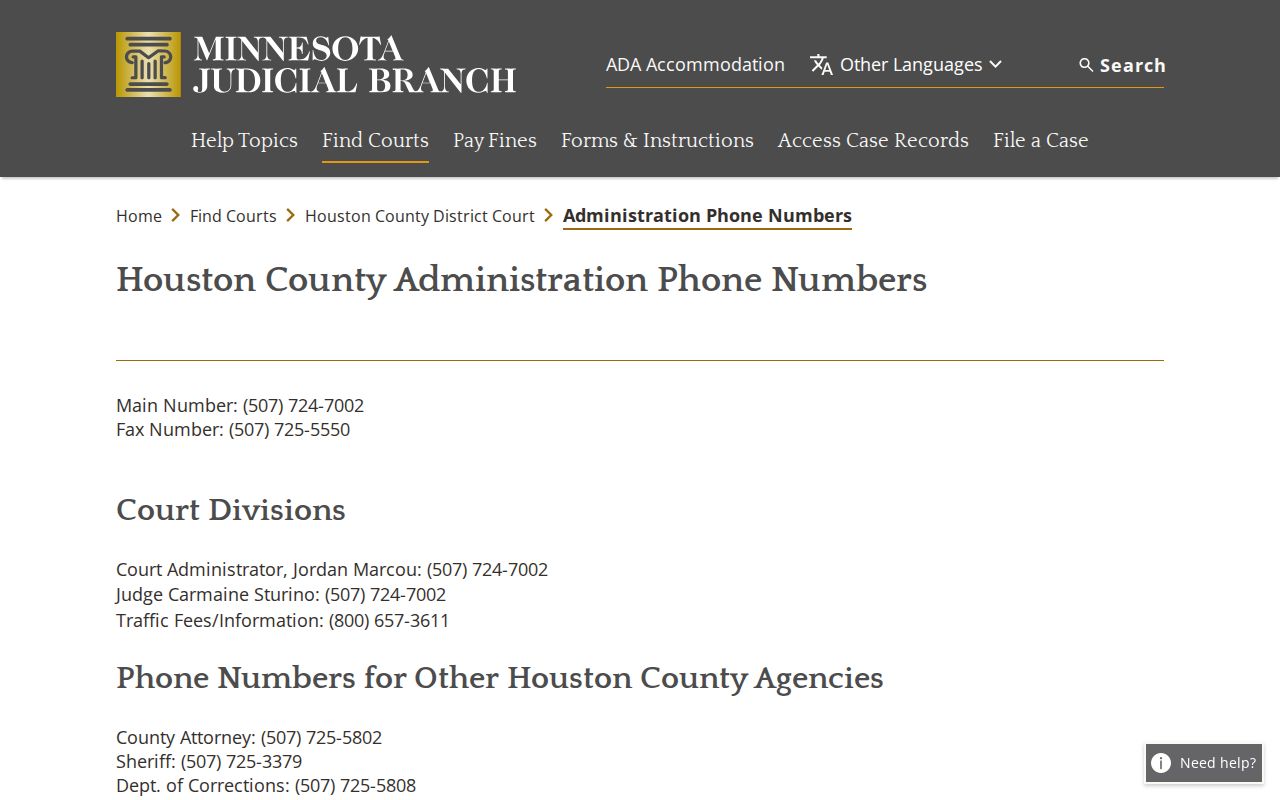
A quick call matters most when a Houston County court calendar entry shifts days before a hearing.
Houston County Court Calendar Gaps
Houston County posts its calendar as a PDF, not as a live scheduling tool. You can print or download the file. There is no date selector, no login, no subscription option, and no structured export. The file runs several pages long. Search the whole PDF before assuming one page holds every hearing. Other gaps exist too. The court publishes no fixed posting horizon, no reset lead time, and no public glossary of docket codes. Court Administration is the only coordinator contact. So work carefully: pull the case number, then read the full current docket. Confirm anything unclear with the court directly.
If You Miss a Court Setting
Missed a Houston County court setting? Act fast. Start by checking the current date and any order through MCRO or the calendar. Then call Court Administration at 507-724-7002. If you have a lawyer, contact that lawyer right away. Trust the court record over an old PDF line, because the record shows the next public event.
Missed a setting? A missed Houston County court date can have case-specific consequences, so confirm the current status with Court Administration or counsel without delay.
Do not appear based only on a saved calendar copy because the court warns that cases, judges, and courtrooms can change.
Houston County Court Date Confirmation
Want the freshest local confirmation? Check the printed calendars posted outside courtrooms and in public lobbies. The courthouse public-access terminal offers statewide case and hearing access. It reaches further than MCRO in some categories. These in-person options help when an online result is restricted. They also help if the PDF leaves a matter out, or a hearing changes the same day. Need an older record? Rule 7 lets you ask Court Administration orally or in writing, as long as your request identifies the record clearly. Inspection is generally free. Copies may carry fees. If access is delayed or denied, ask for the reason in writing. This route honors confidential and sealed-case limits rather than treating a missing online result as final. Note: The closest practical confirmation is the current printed Houston County calendar. You can also call Court Administration directly before you appear.